Manage Your Lumen Card Account with Ease
For the fastest and most convenient experience, we recommend using the app-it's available 24/7 and puts everything at your fingertips.
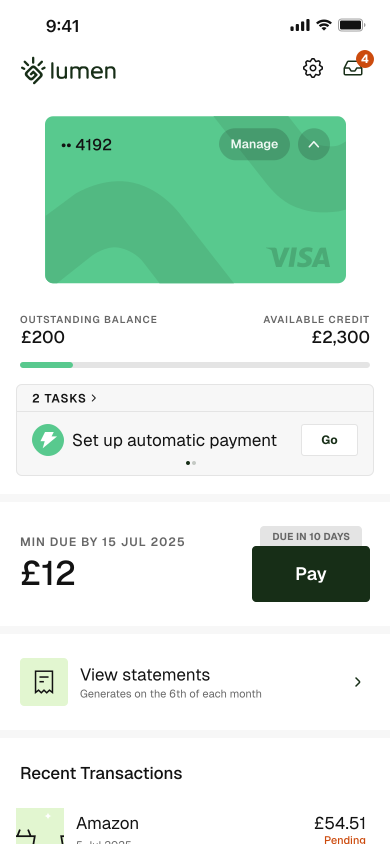
What You Can Do with the App
Your Lumen card account is securely managed through our app
View your balance in real time
Check your balance and transactions instantly
Approve payments instantly
Authorise purchases quickly and securely
Chat with our support team
Get help whenever you need it
Card controls
Lock, unlock, or set spending limits with ease
PIN reminder
Quickly view your PIN when you need it
Getting Started
Download the Lumen app from the App Store. To get started, you'll need:
-
1
The mobile number you used when registering
-
2
The password you created during your application
Please note: You'll need to download and set up the app before you can start using your card.
If you're unable to access the app, our customer support team is available during customer support opening hours. You can find contact details on our Contact page.